Public note
Project Nomad: building your own portable lab
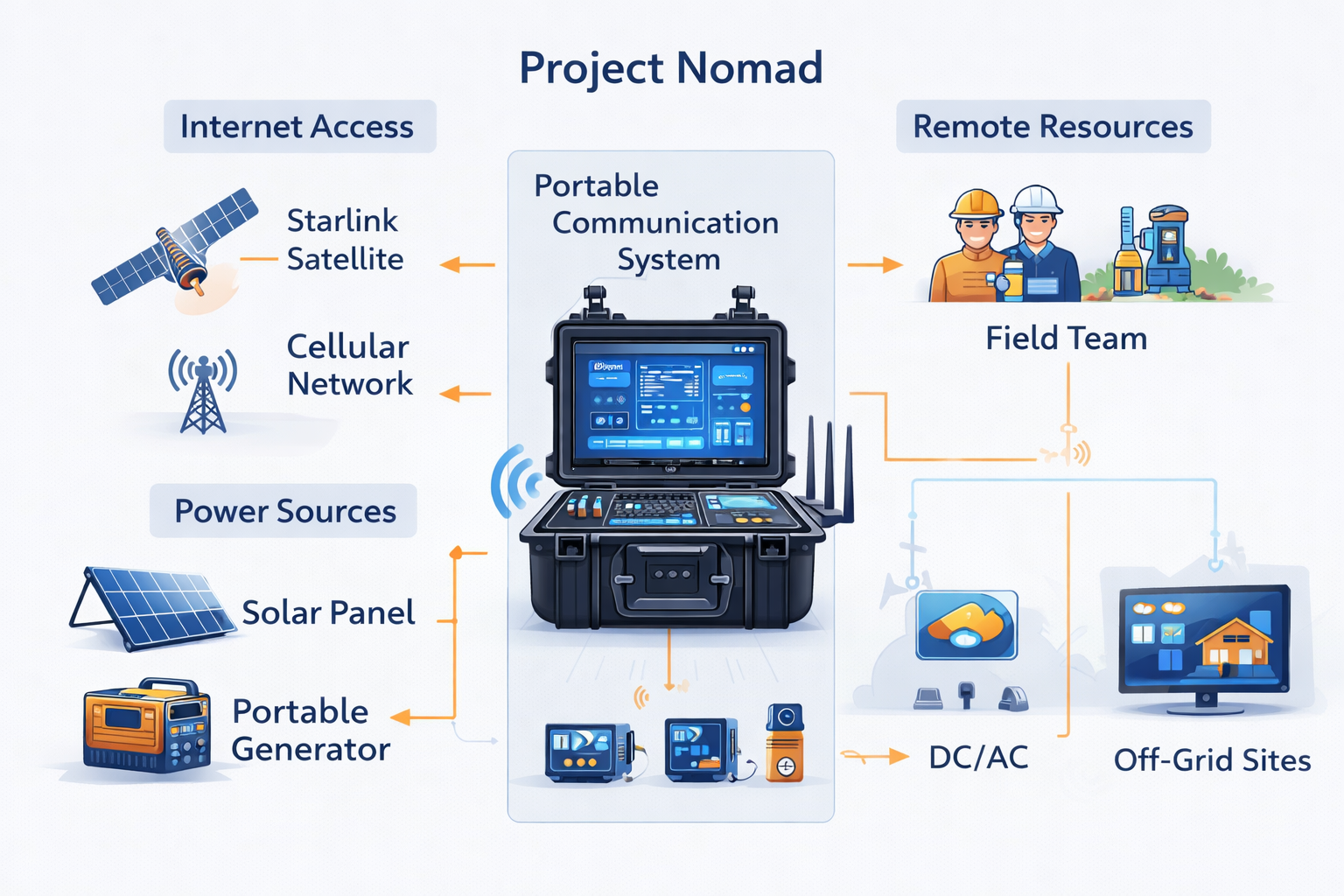
Project Nomad is an open-source initiative for building portable, self-hosted infrastructure using lightweight hardware, offering flexibility and control over data.
Summary
Project Nomad is an open-source project by Crosstalk Solutions
focused on building a portable, flexible, and self-hosted infrastructure
environment.
In simple terms, it helps users create a mobile or easily deployable computing setup that can run services anywhere --- often using lightweight hardware like mini PCs, servers, or edge devices.
This is especially useful for: - IT learners - Homelab enthusiasts -
Network engineers - People interested in self-hosting
What is Project Nomad?
Project Nomad is designed to help you build your own portable lab or infrastructure stack.
Instead of relying on cloud providers, you can: - Run your own
services - Control your own data - Deploy systems anywhere
It combines: - Networking tools - Virtualization/containerization -
Automation scripts
How does it work?
At a high level, Project Nomad works by combining:
- Hardware layer (mini PC / server)
- Operating system
- Container or virtualization layer
- Pre-configured services
You deploy the stack, and it becomes a self-contained environment.
Think of it like: A "portable cloud" you carry with you.
Key Features
1. Portable Infrastructure
Run your environment anywhere.
2. Self-Hosting Friendly
You control your own services.
3. Modular Setup
Add or remove components easily.
4. Real-World Networking Focus
Designed with practical networking use cases.
5. Automation Ready
Includes scripts and repeatable setups.
Pros and Cons
Pros
- Great for learning real infrastructure
- Portable and flexible
- Encourages self-hosting
- Practical networking use cases
Cons
- Requires basic IT knowledge
- Setup may take time
- Smaller community compared to major platforms
How to use Project Nomad
Step 1: Clone the repository
git clone https://github.com/Crosstalk-Solutions/project-nomad
Step 2: Review documentation
Understand requirements and setup.
Step 3: Prepare hardware
Use a mini PC, server, or VM.
Step 4: Deploy services
Run scripts or install components.
Step 5: Access your environment
Use browser or SSH to manage.
Use Cases
- Homelab setup
- Edge computing
- Demo environments
- Learning platform
Comparison
| Feature | Project Nomad | Cloud (AWS/GCP) |
|---|---|---|
| Control | Full control | Limited |
| Cost | Low (hardware) | Ongoing cost |
| Portability | High | Low |
| Setup | Manual | Managed |
FAQ
What is Project Nomad used for?
Portable infrastructure and self-hosted environments.
Is it beginner-friendly?
Yes, with basic IT knowledge.
Do I need special hardware?
No, but recommended.
Can I replace cloud services?
Partially.
Is it production-ready?
Best for learning and small deployments.
Conclusion
Project Nomad is a practical and educational project that helps users
understand how real infrastructure works.
If you're interested in owning your infrastructure and learning by
doing, Project Nomad is a great place to start.